xe66 Login
Enter your registered mobile number and password to open your xe66 account dashboard. Access your wallet, ongoing bets, bonuses, and live casino games — all from one place. Minimum deposit ৳500, withdrawal processed within 22 minutes via bKash or Nagad.
- SSL Encrypted
- 24/7 Support
- bKash & Nagad
- 18+ Only
Log In to Your Account
Keep Your xe66 Account Safe
These five habits protect your funds and prevent unauthorised access. Read them before your first login — especially if you use a shared device or public Wi-Fi.
Use a Strong, Unique Password
Your xe66 password should be at least 8 characters and mix letters, numbers, and symbols. Never reuse a password from your bKash or Nagad account. If you share passwords across apps, a breach in one service can expose your gaming wallet.
Keep Your Registered Number Active
Your mobile number is your primary identity. If you change SIM cards, update your xe66 profile first. An inactive number means you cannot receive OTP codes — which blocks both login recovery and withdrawal verification.
Avoid Public Wi-Fi for Login
Public hotspots at tea stalls, train stations, or universities can expose your credentials to network sniffers. Use your mobile data (Grameenphone, Robi, Banglalink) or a trusted home connection when logging into xe66.
Log Out on Shared Devices
If you log in from a friend's phone or a shared computer, use the "Log Out" option in your account menu before handing the device back. The "Remember me" checkbox is for your personal device only — do not tick it on shared hardware.
xe66 Will Never Ask for Your Password
Genuine xe66 support agents — via Live Chat or any channel — will never ask for your full password. If anyone contacts you claiming to be xe66 staff and requests your password, it is a phishing attempt. Report it immediately through the in-app Live Chat.
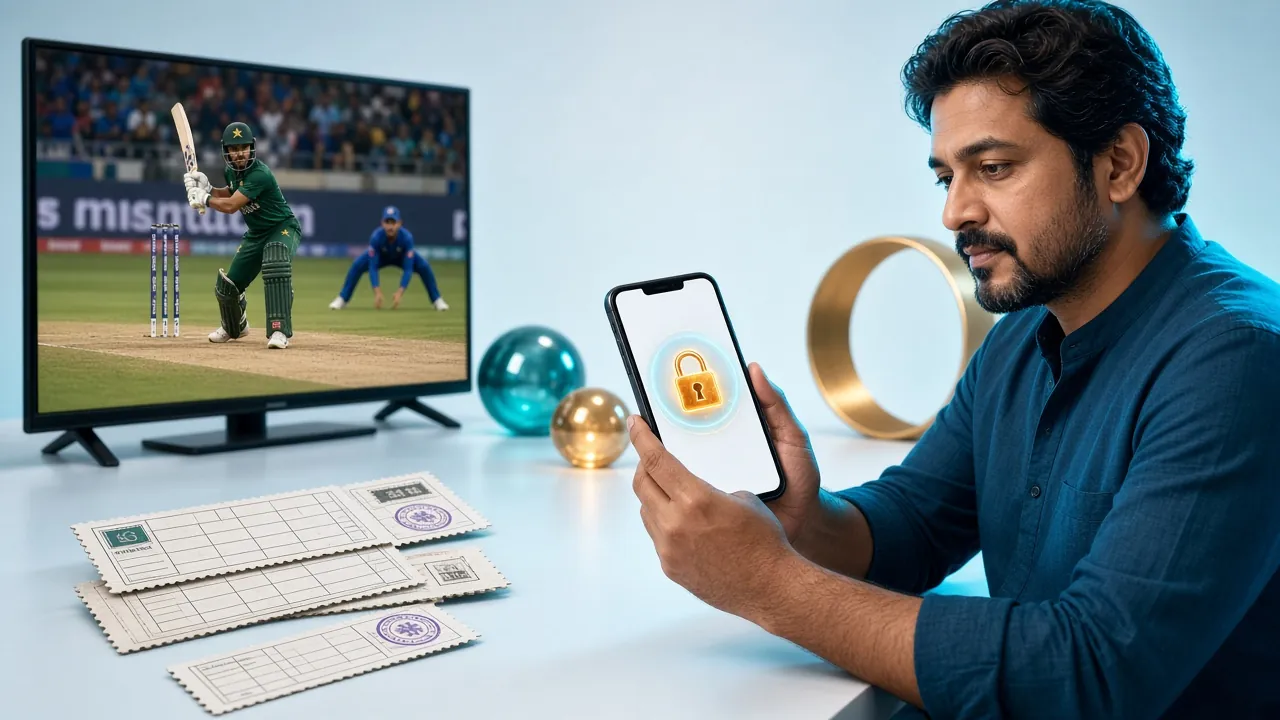
Three Ways to Log In to xe66
xe66 supports three login routes. All three reach the same account dashboard — your choice depends on what device you are using right now.
| Method | What You Need | Best For | Speed | Notes |
|---|---|---|---|---|
| Mobile Number + Password | Registered BD mobile number, password | Desktop browsers, any device | Instant | Most common method. Works on all browsers. |
| Username + Password | Username set during registration, password | Players who prefer a custom login ID | Instant | Username is optional during sign-up. Can be added later in profile settings. |
| xe66 App (Android APK) | xe66 App v3.5.2 installed, Android 7.0+ | Mobile-first players, faster navigation | Instant — stays logged in | 58 MB download. Auto-login available. Get the app here. |
Step-by-Step xe66 Login Process
From opening the browser to seeing your wallet balance — these four steps cover the full login flow on both desktop and mobile.
-
1
Open the xe66 Login Page
Go to xe66.guru/xe66-login/ in your browser, or tap the "Log In" button in the navigation bar. If you are using the xe66 Android app, tap the login button on the launch screen. Make sure you are on the official site — check the URL carefully before typing your password.
-
2
Enter Your Mobile Number
Type the mobile number you used during registration — the same number linked to your bKash or Nagad wallet. Enter it without spaces or dashes (e.g. 01711234567). If you registered with a username instead, enter that in the same field.
-
3
Enter Your Password and Submit
Type your password carefully. Use the eye icon to reveal it if you are unsure about capitalisation. Tick "Remember me" only if this is your personal device. Then tap or click "Log In." The system verifies your credentials in under two seconds.
-
4
You Are Inside Your Dashboard
After a successful xe66 login, you land on your account dashboard. From here you can check your wallet balance, claim any pending bonuses, browse the casino lobby with over 2,800 games, or head straight to a live cricket match in the sports section.
Quick Account Facts
- Min. Deposit
- ৳500
- Withdrawal Time
- 22 min
- Games Available
- 2,800+
- Welcome Bonus
- 100%
Not registered yet? Creating an xe66 account takes under two minutes. You need only your mobile number and a password.
Create an Accountxe66 Login Problems — Causes and Fixes
Most login failures have a quick fix. Find your error in the table below and follow the resolution steps.
| Problem | Likely Cause | Resolution Steps |
|---|---|---|
| "Incorrect password" error | Password typed with wrong capitalisation, or Caps Lock is on. | Use the eye icon to reveal what you typed. Try again carefully. After 5 failed attempts your account locks for 10 minutes — wait it out rather than keep guessing. If still blocked, use the password reset flow below. |
| "Mobile number not found" | You registered with a different number, or typed the wrong country prefix. | Check whether you registered using a secondary SIM. Try the number without a leading zero (e.g. 1711234567 vs 01711234567). If you have never registered, go to xe66 Register to create a new account. |
| Account temporarily suspended | Too many failed login attempts, or a security flag raised by the system. | Wait 10–30 minutes then try again. If the suspension persists beyond 1 hour, contact xe66 24/7 Live Chat from the Help Centre. Have your registered mobile number ready to verify identity. |
| Page loads but form does not submit | Browser cache conflict, or JavaScript blocked by a VPN/extension. | Clear browser cookies and cache (Settings → Privacy → Clear browsing data). Disable any ad-blockers or VPN extensions temporarily. If the issue continues on mobile, try downloading the xe66 App which bypasses browser-level restrictions. |
| OTP SMS not received | SIM card inactive, inbox full, or carrier delay. | Check that your SIM is not out of balance or blocked. Clear your SMS inbox if it is full. Wait 60 seconds and request the OTP again. If your number has changed, contact Live Chat before attempting login — do not create a duplicate account. |
| Login succeeds but wallet shows ৳0 | You may have logged into a different account, or a pending deposit has not been confirmed yet. | Check the account profile page to confirm your name and registered number match your records. For deposits via bKash or Nagad that do not reflect within 1 minute, go to Deposit Guide and use the manual confirm option, or raise a ticket with Live Chat including the transaction ID. |
Forgot Your Password? Here Is How to Reset It
Password recovery at xe66 uses your registered mobile number. The whole process takes under three minutes if your SIM card is active.
-
1
Click "Forgot Password" on the Login Page
On the xe66 login form, tap the "Forgot password?" link below the password field. You will be redirected to the account recovery page. Enter the mobile number registered to your xe66 account and tap "Send OTP." Check that your SIM is active and has signal before requesting the code.
-
2
Enter the OTP Sent to Your Phone
xe66 sends a one-time code to your registered number by SMS. The code is valid for 5 minutes. Enter it on the verification screen. If the SMS does not arrive within 60 seconds, tap "Resend OTP" once. Do not share this code with anyone, including xe66 support staff.
-
3
Set a New Password and Log In
After OTP verification, type your new password twice to confirm. It must be at least 8 characters. Save it somewhere secure — xe66 does not store password hints. Once saved, you are automatically returned to the login screen. Use your new password to log in immediately.
If your registered number is no longer active, password self-service will not work. Contact xe66 24/7 Live Chat with your original registration details (name, old number, approximate account creation date) for manual identity verification. KYC documents (NID, Passport, or Driving Licence) may be required.
Related Pages
-
xe66 Register
New player? Create your account here — mobile number and password only.
-
xe66 App Download
Android APK v3.5.2, 58 MB. Stays logged in between sessions.
-
xe66 Casino
Over 2,800 games including slots, live dealer tables, and fishing games.
xe66 Login — Questions Players Ask
1. I can log in on desktop but not on my Android phone — what is different?
2. How long does the "Remember me" session last before I need to log in again?
3. My account was locked after several failed attempts. When will it unlock?
4. Can I use the same xe66 account on multiple devices at the same time?
5. I have two SIM cards. Which number should I use to log in?
6. After logging in, I see a "KYC verification required" notice. Can I still play?
Still Can't Log In?
xe66 support is available every hour of every day. Live Chat connects you to a real agent in under 2 minutes — not a bot.
Open Live Chat18+ · Play Responsibly. Gambling involves risk. Only bet what you can afford to lose.